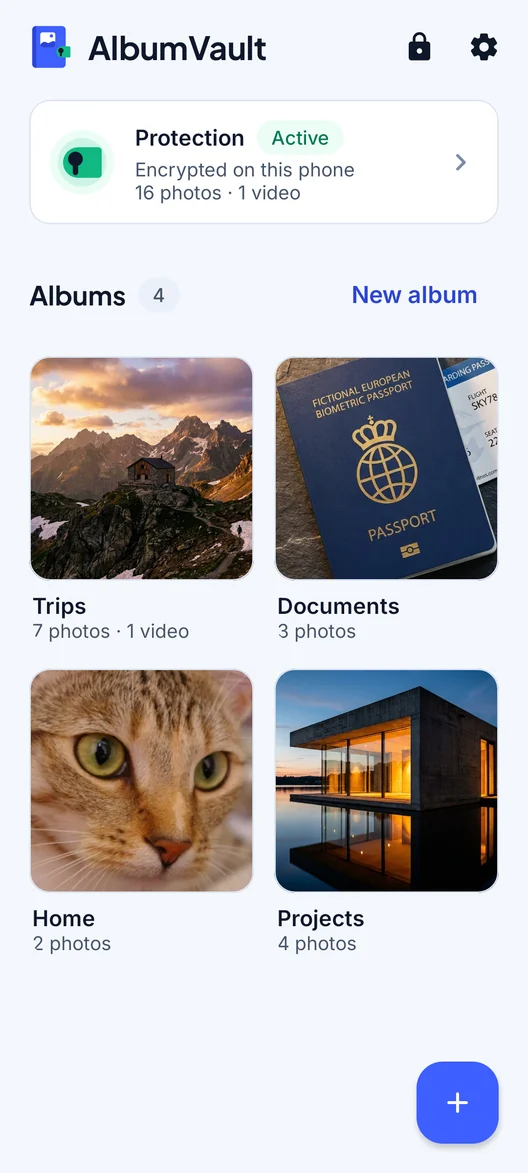
A backup only your phrase can open
Lose your phone, keep your photos. A backup is one encrypted file that you keep, and only the vault’s recovery phrase opens it.
How it works
Save an encrypted backup file of a vault to Files, a computer or a drive you trust. Only its 12-word recovery phrase opens it.
Vault files are left out of your phone’s own iCloud or Google device backup. Backing up a vault is a separate, encrypted step you control.
There is no automatic iCloud or Google Drive backup. Save a new backup file after you add photos you would hate to lose.
Restoring on a new phone
The hardware key cannot move to a new phone, so on a new phone, or a phone restored from a backup, a vault opens only with its recovery phrase. Keep the phrase safe before you switch phones.
AlbumVault is built for iPhone and Android. Move a vault between them with an encrypted transfer file and its recovery phrase.
On the new phone, restore before you set up a vault there: on the welcome screen, tap I have a backup file (on Android, Restore from a backup), pick the file and type the vault’s 12-word recovery phrase.
Know the limits
What it does not do
- If you lose your phone and your recovery phrase, nobody can open the backup. Not us, not Apple, not Google.
- A backup file holds what was in the vault when you saved it. Photos added later are not in it until you save a new one.
Questions
Does AlbumVault back up to iCloud or Google Drive automatically?
No. There is no automatic cloud backup. You save an encrypted backup file yourself, to Files, a computer or a drive you trust, and only its 12-word recovery phrase opens it.
How do I move to a new phone?
Save a backup file on the old phone. Then restore on the new phone before you set up a vault there: on the welcome screen, tap I have a backup file (on Android, Restore from a backup), pick the file and type the vault’s 12-word recovery phrase. The hardware key cannot move to a new phone, so on a new phone, or a phone restored from a backup, a vault opens only with its recovery phrase. Keep the phrase safe before you switch phones.
Is backup included for free?
Free: 1 vault, up to 100 photos and 10 videos, encrypted backup file included. Pro: as many vaults as you want, including the guest vault, with no limit on photos and videos.
AlbumVault for iPhone and Android
Your photos, your pattern, your phone
- Encrypted on this phone
- Each pattern leads to one vault
- No account needed

 Coming soon to both stores