See and remove the hidden data in your photos
Phone photos often carry where and when they were taken, and on what phone. Drop a photo in to see exactly what it holds, then save a copy without it. The image itself is not re-compressed.
- Free, no sign-up
- Works offline once loaded
- Your files never leave this device
How to use it
- Drop one or more JPEG, PNG or WebP files onto the box, or tap to choose them.
- Read the report for each file: location, device, dates, editing software and any content credentials.
- Tap "Save clean copy". The new file keeps the picture and its colour profile and drops the rest.
What gets removed
EXIF (including GPS, camera make and model, serial numbers and capture times), XMP, IPTC, comments, embedded thumbnails and C2PA / JUMBF content-credential blocks. The colour profile stays so the photo looks the same, and the rotation flag is kept so it stays the right way up.
Why the picture is not re-saved
Most "metadata removers" redraw the image and save it again, which costs quality. This tool edits the file’s bytes instead: it cuts out the metadata blocks and leaves the compressed image data untouched.
FAQ
Questions
Are my photos uploaded anywhere?
No. The page reads your file in this browser tab and does the work on your device. Nothing is sent to a server, and closing the tab clears it. You can switch on airplane mode after the page loads and the tool still works.
Does removing metadata change how the photo looks?
No. The compressed image data is copied byte for byte. Only the metadata blocks are removed. The colour profile and the rotation flag are kept so the photo displays the same.
What is C2PA?
C2PA "content credentials" are a signed record of how an image was made or edited, used by some cameras, editing apps and AI image tools. They can include the software used and edit history. This tool shows whether a file has them and removes them in the clean copy.
Do social networks remove this data for me?
Some do when you post publicly, but many channels pass the original file through untouched, for example email attachments and sending a photo "as a file" in a chat app. Cleaning the file yourself is the only way to be sure.
Can I clean several photos at once?
Yes. Drop as many as you like; each gets its own report and its own clean copy.
Does it work with HEIC photos from an iPhone?
This tool reads JPEG, PNG and WebP. When you pick a photo in a browser on iPhone, iOS usually hands over a JPEG copy. To shoot JPEG from the start, set Settings > Camera > Formats to Most Compatible.
AlbumVault for iPhone and Android
Keep the originals somewhere safer than your camera roll
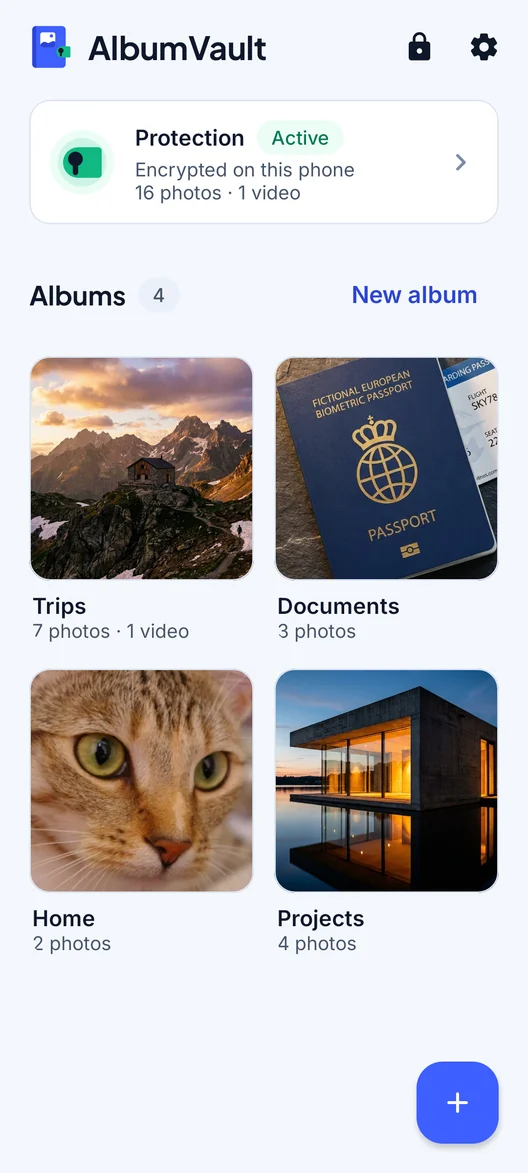
- Encrypted on this phone
- Each pattern leads to one vault
- No account needed

 Coming soon to both stores