Make a passport or visa photo privately in your browser
Passport portraits are biometric identity photos, the last thing you want sitting on an unknown cloud server. Line up your head and eye level locally, then download a single 300 dpi file or a 4 × 6 inch kiosk print sheet.
- Free, no sign-up
- Works offline once loaded
- Your files never leave this device
Passport size
Framing
- Photo size
- –
- Print sheet
- –
Official rules
- US State Department photo requirements
- UK passport photo rules (GOV.UK)
- Canadian passport photo rules
The guide lines show typical framing for each size. Your passport office has the final say on head size, background and lighting.
How to use it
- Stand half a step in front of a plain white or off-white wall facing soft, even daylight with glasses off and a neutral expression.
- Select your photo here and choose US (2 × 2 in), UK / EU / Australia (35 × 45 mm) or Canada (50 × 70 mm).
- Zoom and drag until your crown and chin fit inside the head-size oval and your eyes rest on the guide band.
- Download the single digital JPEG for online renewal, or download the 4 × 6 inch print sheet for pharmacy and photo kiosks.
Official preset dimensions at 300 DPI
US passport and visa photos measure 2 × 2 inches (51 × 51 mm, 600 × 600 px at 300 dpi) with head height between 1 and 1 3/8 inches (25 to 35 mm). UK, Schengen EU and Australian presets measure 35 × 45 mm (413 × 531 px at 300 dpi). Canadian passport presets measure 50 × 70 mm (591 × 827 px at 300 dpi).
Why this tool does not erase or fake your background
The US State Department and most national passport offices explicitly forbid digitally altered or AI-replaced backgrounds, which trigger manual rejection. Shoot in front of a real plain white or off-white wall and use even front lighting so shadows fall behind and below the frame.
Printing the 4 × 6 inch sheet accurately
Both outputs embed a true 300 DPI JFIF header. Order a standard 4 × 6 inch (10 × 15 cm) glossy or matte print at a pharmacy kiosk and turn off "Fit to frame" or borderless enlargement so each cut-out measures exact millimetres.
FAQ
Questions
Are my photos uploaded anywhere?
No. The page reads your file in this browser tab and does the work on your device. Nothing is sent to a server, and closing the tab clears it. You can switch on airplane mode after the page loads and the tool still works.
What size is a US passport photo in inches and pixels?
A physical US passport photo is 2 x 2 inches (51 x 51 mm) with the head measuring 1 to 1 3/8 inches (25 to 35 mm) from chin to crown. For online US renewals, the State Department accepts square digital JPEGs from 600 x 600 pixels up to 1200 x 1200 pixels.
Can this tool check lighting, shadows or glasses for me?
No. This tool sets exact physical proportions, pixel resolution and head placement, while you check your passport agency’s rules: neutral expression, mouth closed, no glasses, no headwear except for religious or medical reasons, and no shadows on face or wall.
Why keep passport photos out of online background-remover sites?
Full-face passport photos match government facial-recognition templates and are frequently paired with names or travel dates. Cropping inside a local browser tab keeps your biometric portrait off third-party storage buckets.
More free tools
Image cropper
Crop photos freely or to 1:1, 4:5, 3:2, 16:9 or 9:16 without leaving hidden thumbnails.
Open toolImage brightener
Lift a dark photo with shadows, brightness, contrast and colour sliders.
Open toolPhoto metadata remover
See the location, device and dates hidden in a photo, then save a clean copy.
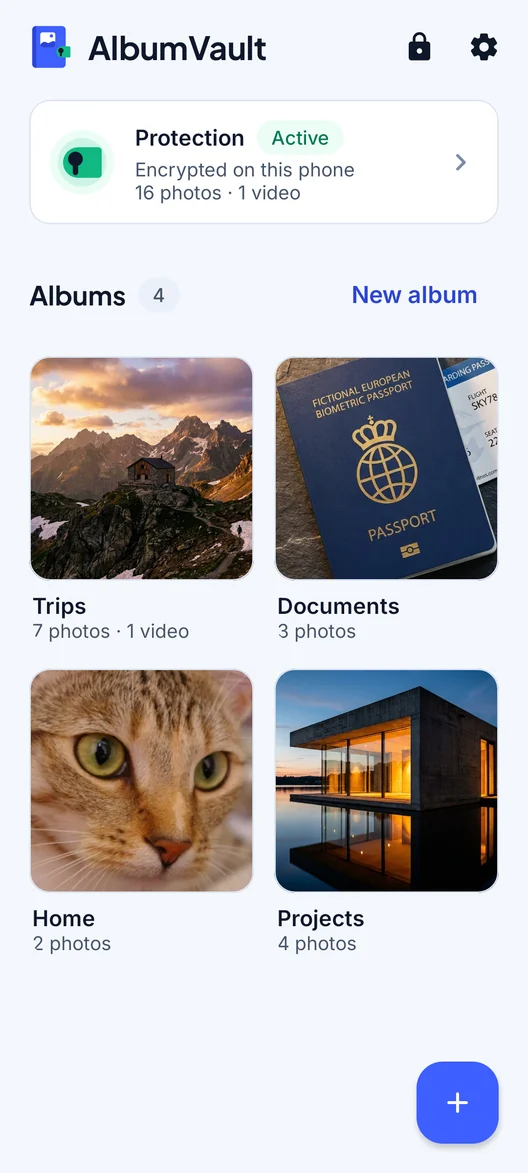
Open toolAlbumVault for iPhone and Android
Keep the originals somewhere safer than your camera roll
- Encrypted on this phone
- Each pattern leads to one vault
- No account needed

 Coming soon to both stores