Convert PNG to WebP in your browser
WebP shrinks heavy PNG screenshots, UI assets and transparent stickers by 30% to 75% while keeping smooth transparent edges.
- Free, no sign-up
- Works offline once loaded
- Your files never leave this device
Convert to WebP
Changes apply to every file in the list.
How to use it
- Drop one or more PNG files onto the converter, or tap to pick them.
- Choose quality (85 suits graphics and photos; 100 preserves crisp UI text).
- Download each verified WebP file straight from your browser.
How much smaller is WebP than PNG?
According to Google’s WebP benchmarks, lossless WebP averages 26% smaller than PNG, while high-quality lossy WebP with an alpha channel often cuts transparent PNG logos and product cutouts by more than half.
Verified WebP headers, never fake extensions
A few older embedded browsers silently fall back to PNG when asked to encode WebP. This converter inspects the output file’s RIFF/WEBP byte signature and warns you if your browser cannot write genuine WebP.
FAQ
Questions
Are my photos uploaded anywhere?
No. The page reads your file in this browser tab and does the work on your device. Nothing is sent to a server, and closing the tab clears it. You can switch on airplane mode after the page loads and the tool still works.
Does converting PNG to WebP keep transparent backgrounds?
Yes. WebP supports an 8-bit alpha channel just like PNG, so soft drop shadows and transparent cutouts remain intact.
Which quality setting should I pick for PNG to WebP?
Pick 82 to 90 for photographs, product cutouts and illustrations where file size matters most. Pick 100 for software screenshots, diagrams and small text where colour fringes around letters would show.
Can I convert multiple PNG files at once?
Yes. Drop a whole batch of PNGs at once; each file converts locally and displays its before-and-after byte savings.
More free tools
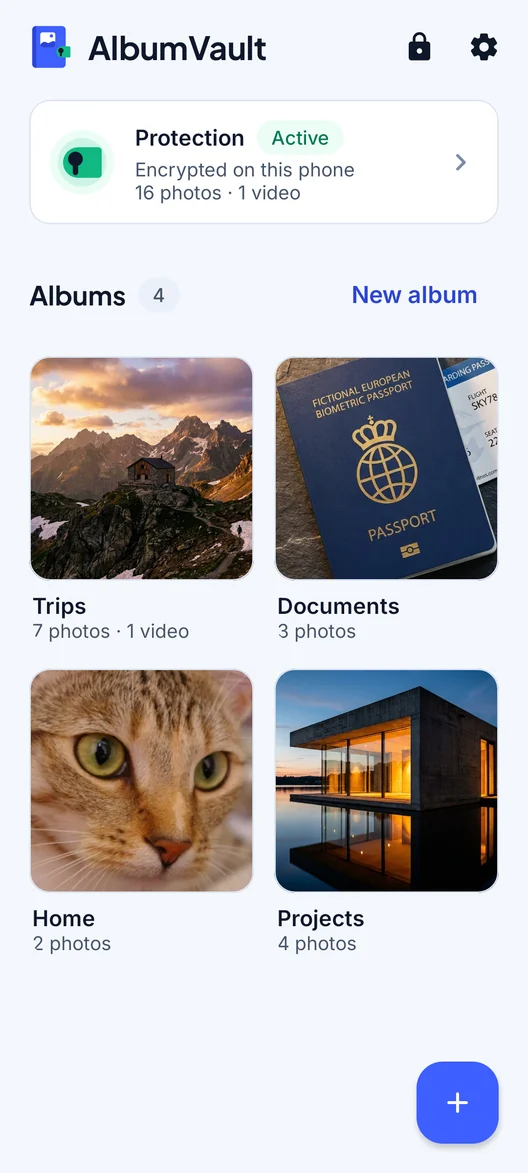
AlbumVault for iPhone and Android
Keep the originals somewhere safer than your camera roll
- Encrypted on this phone
- Each pattern leads to one vault
- No account needed

 Coming soon to both stores