Convert WebP to PNG in your browser
Need to edit a WebP sticker, logo or screenshot in an app that only imports PNG? Convert to lossless PNG locally with every pixel and transparent edge preserved.
- Free, no sign-up
- Works offline once loaded
- Your files never leave this device
How to use it
- Select or drop one or more WebP files into the box.
- Review the dimensions and new file size, then download each PNG.
What changes when WebP becomes PNG
PNG uses lossless DEFLATE compression, meaning not a single colour value or alpha pixel from the decoded WebP is degraded during export. Because PNG never discards high-frequency detail, photographic PNGs are commonly 2 to 5 times larger in kilobytes than the source WebP.
Full transparency, zero server uploads
Every semi-transparent shadow and cutout edge in an RGBA WebP transfers directly into the 32-bit PNG output inside your browser memory, with no metadata carried over.
FAQ
Questions
Are my photos uploaded anywhere?
No. The page reads your file in this browser tab and does the work on your device. Nothing is sent to a server, and closing the tab clears it. You can switch on airplane mode after the page loads and the tool still works.
Does WebP to PNG keep transparent backgrounds?
Yes. Full 8-bit alpha transparency (including soft edges and semi-transparent shadows) is preserved pixel for pixel in the output PNG.
Does converting a lossy WebP to PNG restore lost quality?
Converting to PNG prevents any new compression loss while you edit, crop or layer the image, though it cannot bring back detail that was already discarded when the original WebP was created.
What happens if I drop an animated WebP?
Standard PNG is a single-frame format, so the first frame of an animated WebP is exported as a clean still PNG.
More free tools
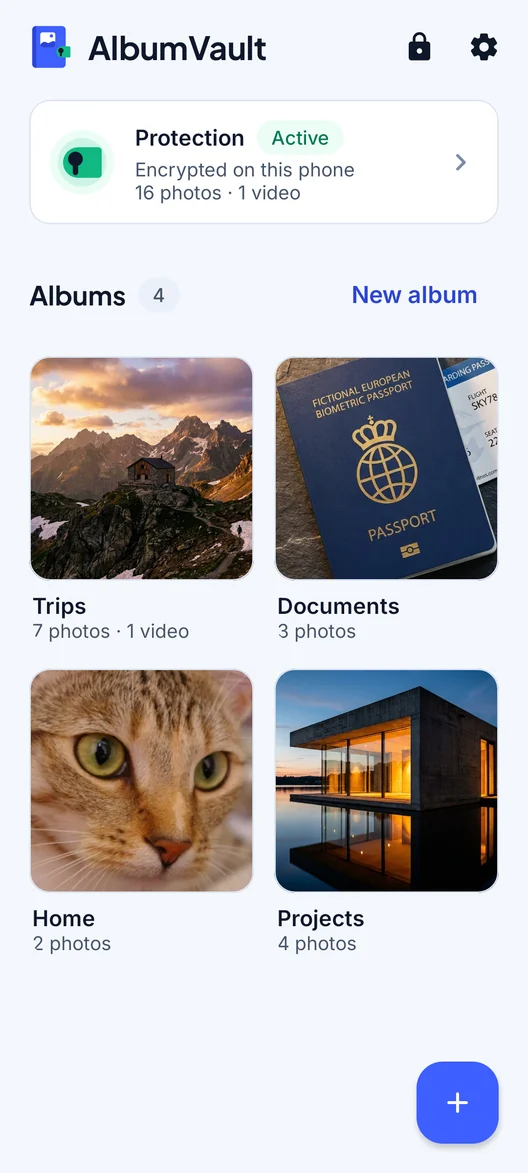
AlbumVault for iPhone and Android
Keep the originals somewhere safer than your camera roll
- Encrypted on this phone
- Each pattern leads to one vault
- No account needed

 Coming soon to both stores