Make a static QR code for a link, Wi-Fi network or contact card
Every code encodes your text directly inside the squares. Because there is no redirect link in the middle, it never expires, works without a subscription, and nobody counts your scans.
- Free, no sign-up
- Works offline once loaded
- Nothing you type leaves this device
What should the code hold?
Size, colours and error correction
How to use it
- Pick what the code should hold: a website link, Wi-Fi network, vCard contact, email, phone number or plain text.
- Fill in the fields. The QR code redraws in your browser as you type.
- Choose error correction, colours and pixel size, then download vector SVG for print or PNG for screens.
Static versus dynamic QR codes
Many "free" QR generators secretly create a dynamic code pointing at their own short URL, then charge a monthly fee after a trial or log every visitor who scans it. This generator creates true static QR codes: your URL, Wi-Fi config or vCard text sits directly inside the pattern.
Wi-Fi codes and plain-text passwords
Standard Wi-Fi QR codes store the network name, security type (WPA/WPA2/WPA3) and password as plain text so iPhone and Android cameras can join in one tap. Anyone who scans or photographs the code can read that password, so use a guest network for public signs.
Printing on business cards and flyers
Print at least 20 x 20 mm (0.8 x 0.8 in), keep a pale four-module quiet zone around all four edges, and export SVG so print shops render crisp vector edges at any DPI. Keep dark foreground squares on a light background; inverted light-on-dark codes fail on some older camera scanners.
FAQ
Questions
Is my link or Wi-Fi password sent to a server?
No. The QR matrix is calculated in JavaScript inside this browser tab. Nothing you type is transmitted, stored or logged, and the page continues working in airplane mode.
Do static QR codes ever expire?
No. A static QR code has no middleman server to shut down. As long as your destination webpage stays live or your Wi-Fi password and phone number stay the same, the printed code works forever.
Should I download SVG or PNG?
Download SVG for business cards, menus, packaging, stickers and Adobe Illustrator, Figma or Canva layouts because vectors stay razor-sharp at any print size. Download PNG for Google Docs, slides, emails and chat messages.
Which error correction level (L, M, Q or H) should I choose?
Choose M (15% recovery) for almost all screens and clean business cards. Step up to Q (25%) or H (30%) for outdoor signs, labels that may get scratched, or if you plan to place a small mark in the middle. Keep vCard contact codes at L or M so the squares do not get too tiny to scan.
How much text fits on a business card vCard QR code?
Stick to name, company, job title, one phone number, email and website. Leaving out street addresses and notes keeps the grid compact so phone cameras focus and scan in a fraction of a second on a 3.5 x 2 inch card.
More free tools
Photo metadata remover
See the location, device and dates hidden in a photo, then save a clean copy.
Open toolImage resizer
Resize an image to exact pixel dimensions or scale by percent in your browser.
Open toolUnlock strength calculator
Compare PINs, patterns and passphrases by how many guesses they would take.
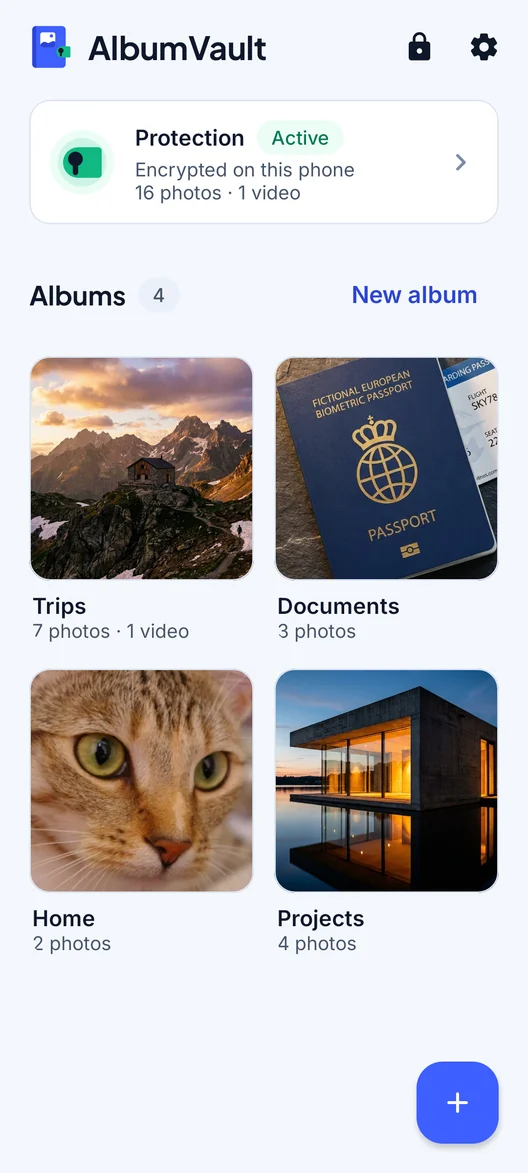
Open toolAlbumVault for iPhone and Android
Keep the originals somewhere safer than your camera roll
- Encrypted on this phone
- Each pattern leads to one vault
- No account needed

 Coming soon to both stores